
BeebMaster's
Domesday
Machine
Attempt 3
7th February 2004
BeebMaster's
Domesday
Machine
Attempt 3
7th February 2004
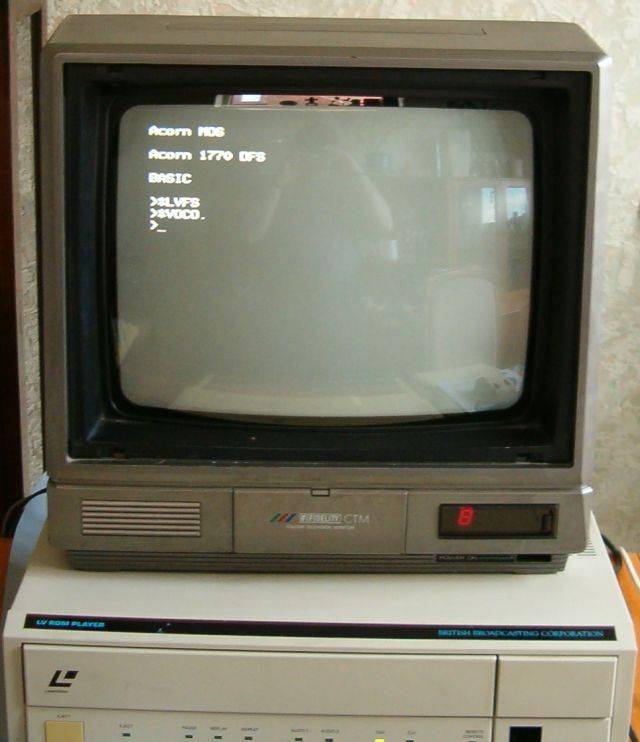
Next we have to tell the Master to take control of the Laservision Player.
We do this by typing *LVFS to change to the Videodisc Filing System without mounting the disc.
Then type *VOCOMPUTER or *VOCO. for short to switch the Videodisc output to the computer display.
You won't be able to see what you have typed until you do *VOCO.
As soon as we enter VFS, the laserdisc stops autoplaying and the AUDIO lights go off.

