Screen Capture 2023
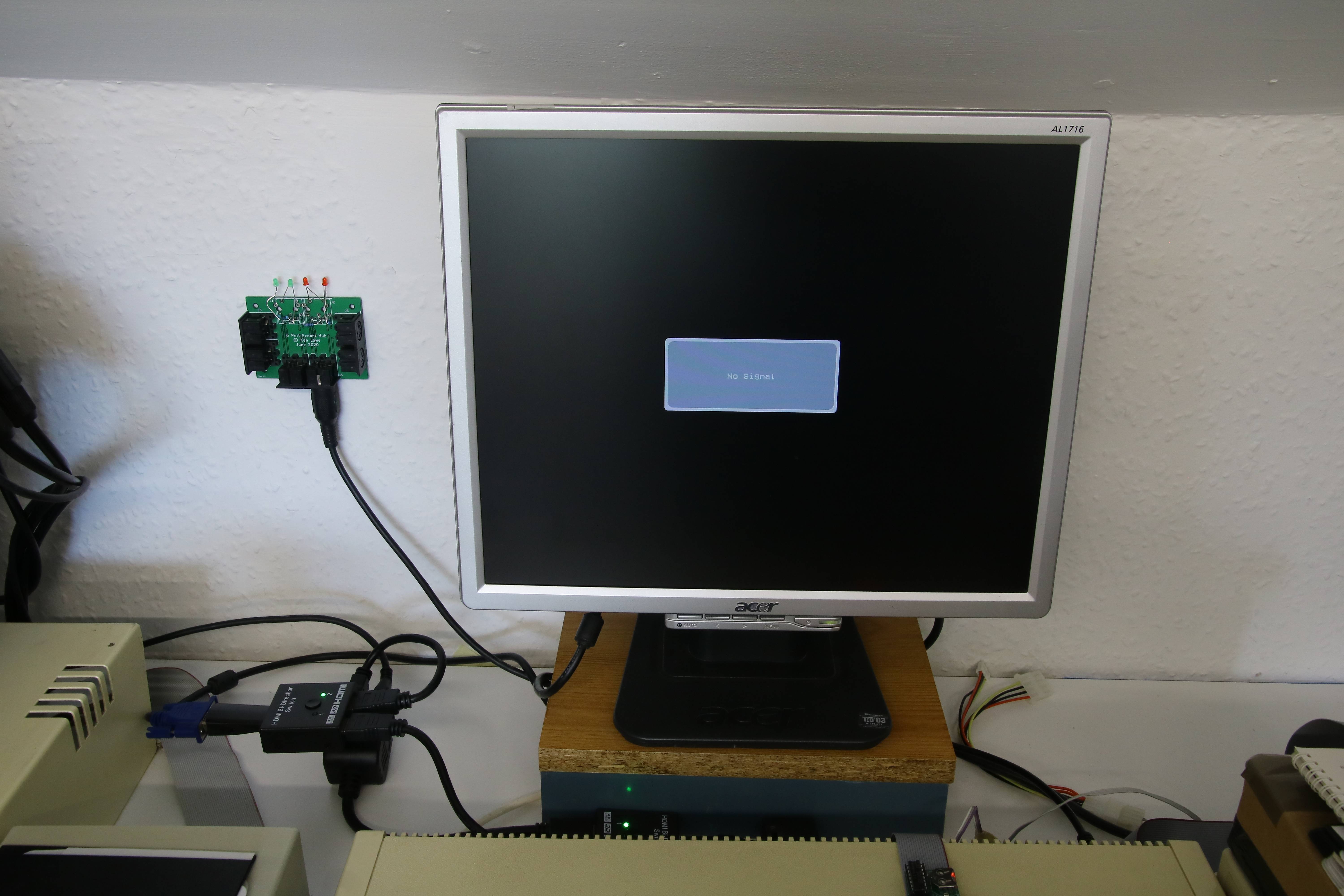
Now a change of switches. Switch A is set to 1 and Switch B set to 2. This means that the output goes to both the monitor and the PC capture.
As the PC end isn't all functioning, we lose the picture: this is the situation I always used to get when I was only using the splitter cable. To get a picture I either had to boot up the whole PC capture scenario, or unplug the output to the PC from the splitter cable, so it was very far from ideal.
Now all I need to do to resolve it is press a couple of buttons!
Another nice thing about this is that if I set switches A and B into a different setting, then naturally I lose the picture on the monitor - so by doing this, it serves as a sort of manual screensaver as the monitor goes to sleep when it's not receiving an input.