

Community Disc Help
 |
 |
 |
 | ||||||||||||||||
 |
 |
 |
 | ||||||||||||||||
 |
 |
 |
 | ||||||||||||||||
 |
 |
 |
 | ||||||||||||||||
 |
 |
 |
 | ||||||||||||||||
 |
 |
 |
 | ||||||||||||||||
 |
 |
 |
 | ||||||||||||||||
 |
 |
 |
 | ||||||||||||||||
 |
 |
 |
 | ||||||||||||||||
 |
 |
 |
 | ||||||||||||||||
 |
 |
 |
 | ||||||||||||||||
 |
 |
 |
 | ||||||||||||||||
 |
 |
 |
 | ||||||||||||||||
 |
 |
 |
 | ||||||||||||||||
 |
 |
 |
 | ||||||||||||||||
 |
 |
 |
 | ||||||||||||||||
 |
 |
 |
 | ||||||||||||||||
 |
 |
 |
 | ||||||||||||||||
 |
 |
 |
 | ||||||||||||||||
 |
 |
 |
 | ||||||||||||||||
 |
 |
 |
 |
 | |||||||||||||||
Community Disc Help
|
|
|
| ||||||||||||||||
|
|
|
| ||||||||||||||||
|
|
|
| ||||||||||||||||
|
|
|
| ||||||||||||||||
|
|
|
| ||||||||||||||||
|
|
|
| ||||||||||||||||
|
|
|
| ||||||||||||||||
|
|
|
| ||||||||||||||||
|
|
|
| ||||||||||||||||
|
|
|
| ||||||||||||||||
|
|
|
| ||||||||||||||||
|
|
|
| ||||||||||||||||
|
|
|
| ||||||||||||||||
|
|
|
| ||||||||||||||||
|
|
|
| ||||||||||||||||
|
|
|
| ||||||||||||||||
|
|
|
| ||||||||||||||||
|
|
|
| ||||||||||||||||
|
|
|
| ||||||||||||||||
|
|
|
| ||||||||||||||||
|
|
|
|
| |||||||||||||||
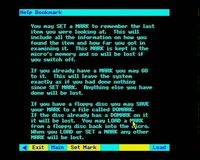
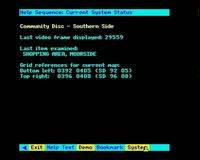
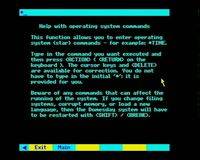
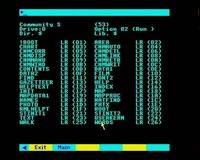
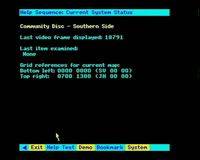
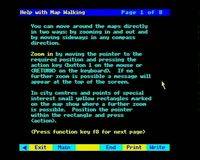
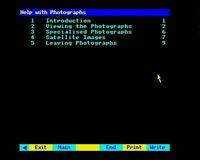
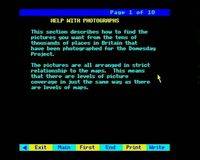
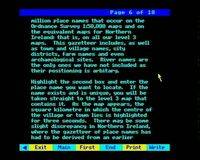
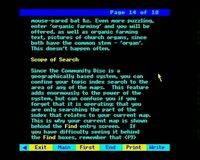
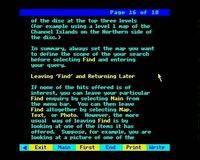
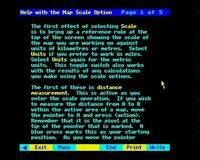
This is a set on the Help text on the Domesday Community Disc, created in October 2010 and put here to replace the original set from 2006. I hope you will click on the picture links above to learn more.
Click here to return to using the Community Disc